1. قم بتحميل ملفات التحديث من الرابط أدناه ومن ثم قم بفك ضغط الملف

رابط التحميل


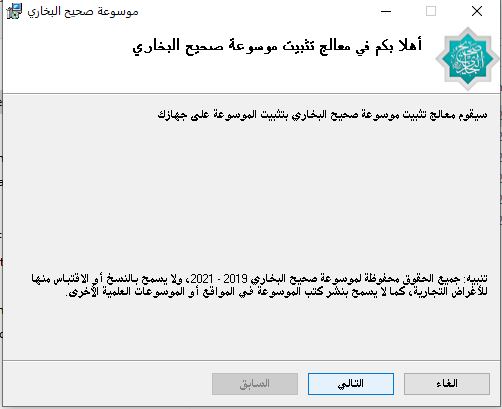
2. نقرة مزدوجة على الملف التنفيذي upgrade.exe، فتظهر لنا الشاشة التالية:


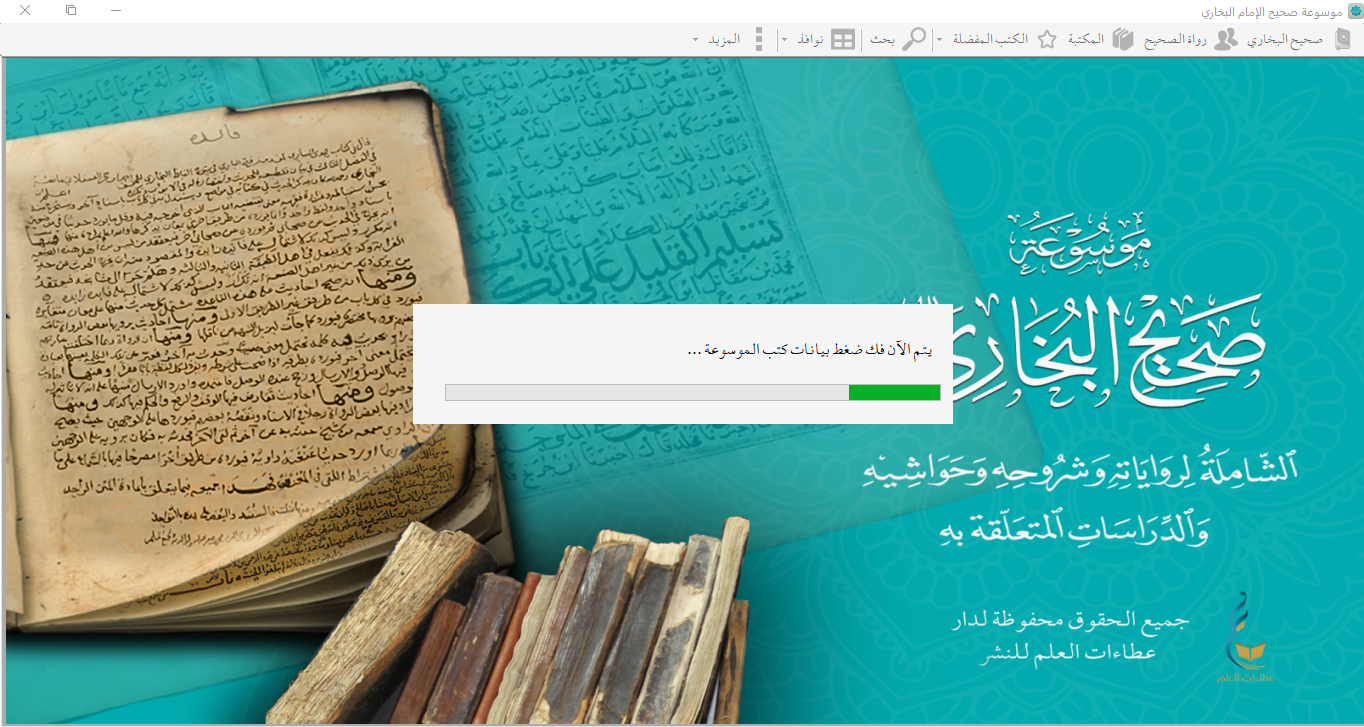
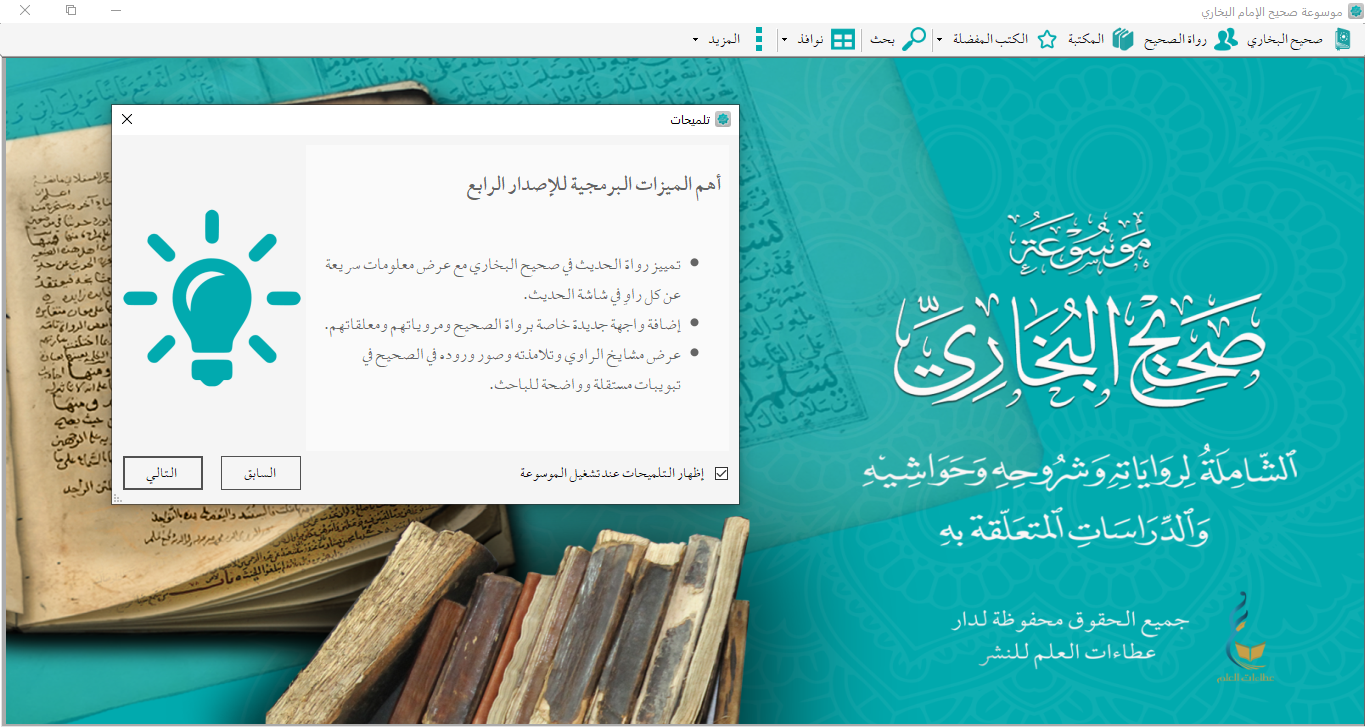
3. انقر على زر تحديث لبدء العملية:


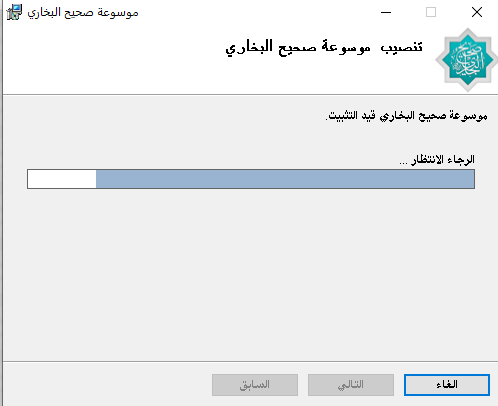
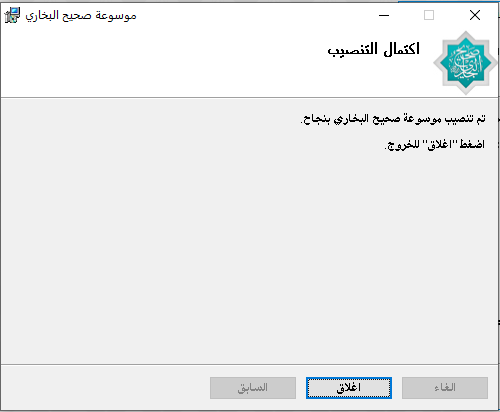
4. عند انتهاء عملية التحديث ستظهر لك الرسالة التالية:


is untouched) ---- */ #bp-page .bp-article{ font-size:19px;line-height:2.15;color:#31474a; text-align:justify; } #bp-page .bp-article p{ font-size:inherit;line-height:inherit;color:inherit; margin:0 0 16px; } #bp-page .bp-article b, #bp-page .bp-article strong{ color:var(--bp-teal-deep); font-family:'Amiri',serif; font-size:1.08em; } #bp-page .bp-article ul, #bp-page .bp-article ol{ margin:0 0 16px; padding-inline-start:26px; } #bp-page .bp-article li{ font-size:inherit;line-height:inherit;color:inherit; margin-bottom:6px; } #bp-page .bp-article ul li::marker{color:var(--bp-gold)} #bp-page .bp-article a{ color:var(--bp-teal);text-decoration:none; transition:color .25s; } #bp-page .bp-article a:hover{color:var(--bp-teal-deep)} /* footnote references: (N) */ #bp-page .bp-article sup{ font-size:12.5px;line-height:1; vertical-align:super; } #bp-page .bp-article sup a{ display:inline-block; background:rgba(1,170,174,.1); color:var(--bp-teal-deep); border-radius:6px; padding:1px 5px; font-weight:700; cursor:help; transition:all .25s; } #bp-page .bp-article sup a:hover{background:var(--bp-gold);color:#fff} #bp-page .bp-article img{max-width:100%;height:auto;border-radius:10px} #bp-page .bp-article table{max-width:100%;border-collapse:collapse} #bp-page .bp-article td,#bp-page .bp-article th{border:1px solid rgba(1,170,174,.25);padding:8px 12px} /* footnote list dividers that Word export ships as
/
*/ #bp-page .bp-article hr{ border:0;height:1.5px;margin:34px auto; background:linear-gradient(90deg,transparent,var(--bp-gold),transparent); } /* first lead paragraph (has inline centered style from the CMS) gets breathing room */ #bp-page .bp-article .word-paragraph:first-child, #bp-page .bp-article .main-word-div > .word-paragraph:first-child{ font-family:'Amiri',serif; color:var(--bp-teal-deep); margin-bottom:26px; } /* ---- reading progress ---- */ .bp-read-progress{ position:fixed;top:0;right:0;height:3.5px;width:0; background:linear-gradient(90deg,#c9a227,#e8c96a,#c9a227); z-index:3000; box-shadow:0 1px 8px rgba(201,162,39,.5); } /* ---- back to top ---- */ .bp-p-totop{ position:fixed;bottom:28px;left:28px;z-index:1500; width:48px;height:48px;border-radius:50%;border:0;cursor:pointer; background:linear-gradient(135deg,#c9a227,#b08d1d); color:#fff;font-size:16px; box-shadow:0 10px 26px rgba(160,128,25,.45); display:flex;align-items:center;justify-content:center; opacity:0;visibility:hidden;transform:translateY(18px); transition:all .4s cubic-bezier(.2,.7,.3,1); } .bp-p-totop.bp-show{opacity:1;visibility:visible;transform:translateY(0)} .bp-p-totop:hover{transform:translateY(-4px)} /* ---- footnote hover tooltips (bootstrap, global on purpose) ---- */ .tooltip{width:auto;position:fixed;z-index:9999;} .tooltip-inner{ text-align:right;font-size:13pt; font-family:'Amiri','001 Al Kamal Hadith',serif; max-height:220px!important;overflow-y:auto; max-width:420px; background:#083d3f;color:#f3efe2; border-radius:10px;padding:12px 16px;line-height:1.9; box-shadow:0 14px 34px rgba(0,40,42,.4); } .tooltip.in{opacity:1;} .tooltip-inner::-webkit-scrollbar{width:8px;} .tooltip-inner::-webkit-scrollbar-track{background-color:transparent;} .tooltip-inner::-webkit-scrollbar-thumb{background-color:#c9a227;border-radius:10px;} @media(max-width:760px){ #bp-page .bp-article{padding:34px 22px;margin-top:-40px} #bp-page .bp-article{font-size:17px;line-height:2.05} #bp-page .bp-p-hero{padding:44px 0 80px} .bp-p-totop{bottom:20px;left:20px;width:42px;height:42px} } @media print{ #bp-page .bp-p-hero{background:none;color:#000;padding:20px 0} #bp-page .bp-p-hero h1{color:#000;text-shadow:none} #bp-page .bp-p-crumb,.bp-p-totop,.bp-read-progress{display:none} #bp-page .bp-article{box-shadow:none;margin-top:0} }
موسوعة صحيح البخاري خطوات التحديث لأجهزة ويندوز

خطوات التحديث لأجهزة ويندوز

1. قم بتحميل ملفات التحديث من الرابط أدناه ومن ثم قم بفك ضغط الملف

رابط التحميل


2. نقرة مزدوجة على الملف التنفيذي upgrade.exe، فتظهر لنا الشاشة التالية:


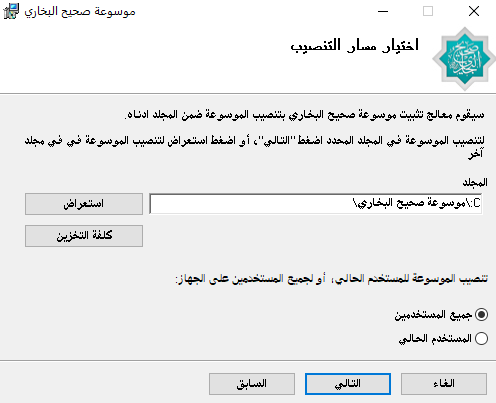
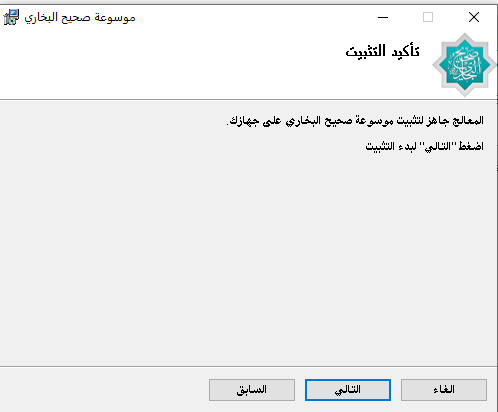
3. انقر على زر تحديث لبدء العملية:


4. عند انتهاء عملية التحديث ستظهر لك الرسالة التالية: